

When the check engine light comes on, the first step toward understanding the problem is retrieving the diagnostic information stored in your vehicle’s computer. An OBD-II scanner can read diagnostic trouble codes (DTCs) and provide a starting point for determining what caused the warning.
But reading a code is not the same as diagnosing the problem. A trouble code identifies a system, circuit, or operating condition that requires investigation—it does not automatically tell you which part needs replacement.
This guide explains how to scan a check engine light, understand OBD-II trouble codes, review useful diagnostic information, and recognize when professional testing is needed.
Before Diagnosing: Is the Check Engine Light Solid or Flashing?
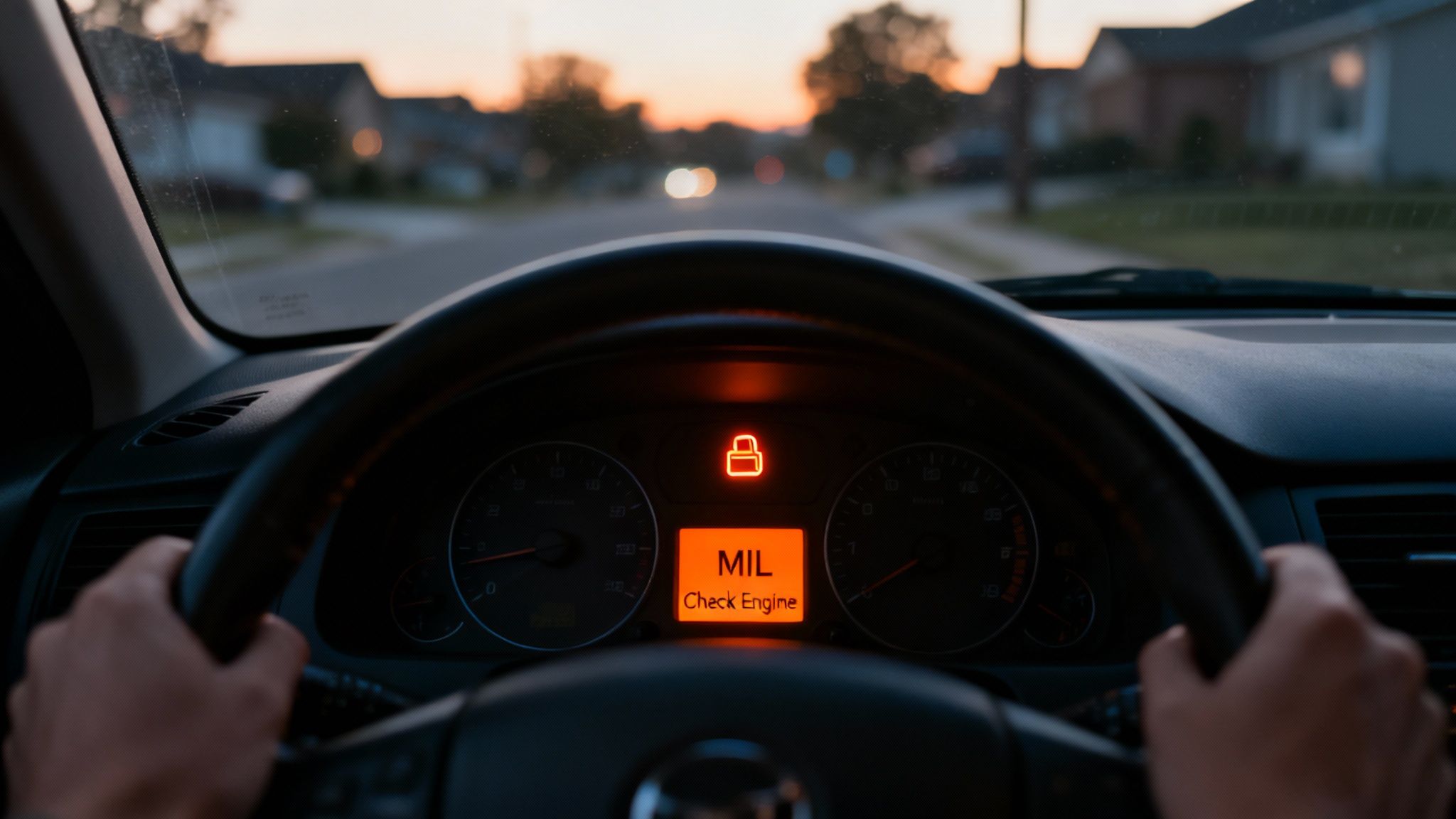
Before connecting a scanner, pay attention to how the check engine light is behaving.
| Light Status | What It May Indicate | Recommended Action |
|---|---|---|
| Solid | The vehicle has detected a fault that requires diagnosis. | If the vehicle is otherwise operating normally, arrange diagnosis soon and avoid ignoring the warning. |
| Flashing | May indicate an active misfire or another condition capable of causing additional damage. | Reduce engine load, stop safely, and avoid continued driving if the vehicle is running poorly. |
For a complete explanation of warning-light behavior, common causes, and whether you can continue driving, see our complete check engine light guide.
What Do You Need to Diagnose a Check Engine Light?
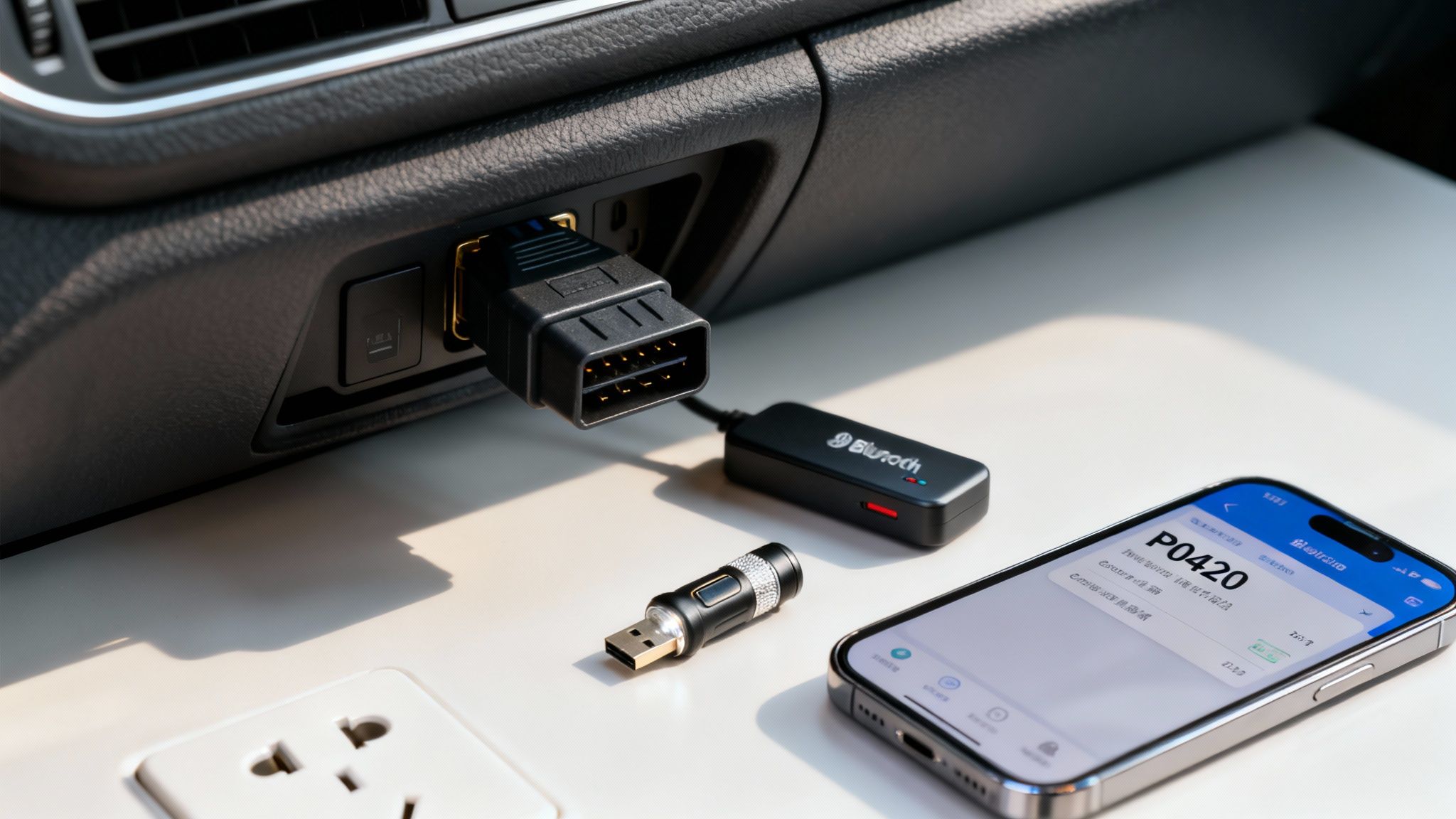
For a basic first look, the most useful tool is an OBD-II scanner or code reader.
OBD-II stands for On-Board Diagnostics II. The system monitors many engine, emissions, and vehicle functions and can store diagnostic trouble codes when the computer detects a fault.
Where Is the OBD-II Port?
On most vehicles, the OBD-II diagnostic connector is located underneath the driver’s side of the dashboard, often near the steering column or lower dash panel.
The connector is generally a 16-pin, trapezoid-shaped port. Its exact position varies by vehicle, so consult the owner’s manual if you cannot locate it.
Types of OBD-II Scanners
Consumer diagnostic tools generally fall into two categories:
- Handheld code readers: Standalone devices that plug directly into the diagnostic port and display trouble codes and, depending on the model, additional diagnostic information.
- Bluetooth or Wi-Fi adapters: Devices that connect the vehicle to a compatible smartphone app. Features vary significantly depending on the adapter and software.
More advanced scan tools may provide access to manufacturer-specific modules, enhanced live data, bidirectional controls, relearn procedures, and other functions that basic consumer readers may not support.
How to Scan a Check Engine Light Step by Step
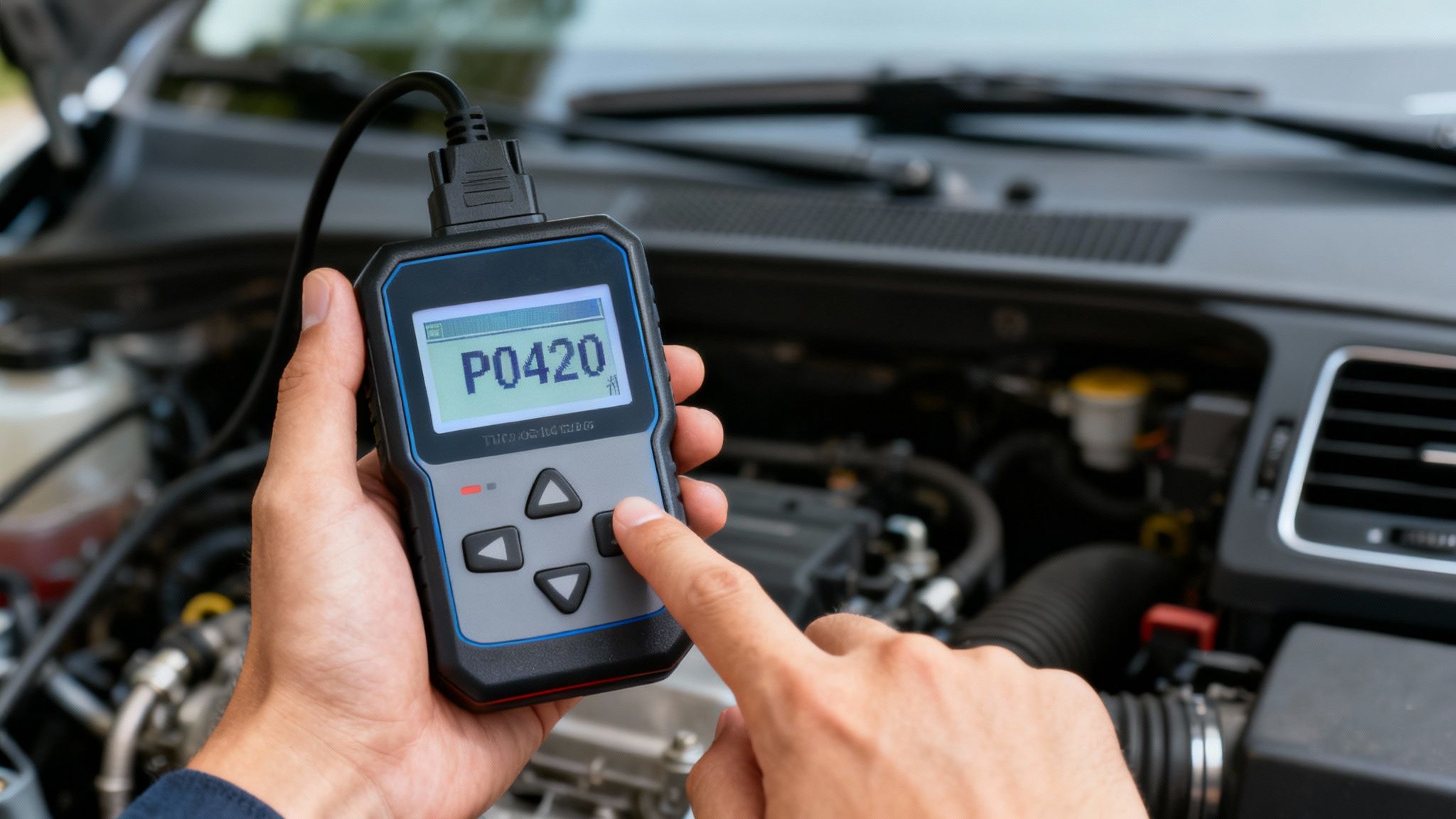
The exact procedure varies by scanner and vehicle, but a basic OBD-II scan generally follows these steps:
- Park the vehicle safely. Put the vehicle in Park or Neutral as appropriate and set the parking brake.
- Locate the OBD-II connector. Look beneath the driver’s side dashboard for the diagnostic port.
- Connect the scanner. With the ignition off unless your scanner specifies otherwise, plug the diagnostic tool securely into the connector.
- Turn the ignition to the required position. Many basic scanners require the ignition to be switched to ON without starting the engine. Follow the instructions for your specific scanner and vehicle.
- Allow the scanner to communicate with the vehicle. Some tools automatically identify the vehicle, while others may request vehicle information.
- Select “Read Codes” or the equivalent function. Record all stored, pending, and permanent codes the scanner can access.
- Review available freeze-frame information. If your scanner provides it, save the operating conditions recorded when the fault occurred.
- Do not immediately clear the codes. Diagnostic codes and associated data can provide valuable information for determining the cause of the problem.
How to Read OBD-II Diagnostic Trouble Codes
A standard diagnostic trouble code typically contains five characters, such as P0301.
First Character: Vehicle System
- P = Powertrain
- B = Body
- C = Chassis
- U = Network communication
The check engine light is most commonly associated with powertrain-related codes, although modern vehicles contain many interconnected modules and systems.
Second Character: Generic or Manufacturer-Specific
The second character helps identify how the code is defined. Some codes follow standardized OBD-II definitions, while others are manufacturer-specific.
This distinction matters because a manufacturer-specific code should be interpreted using service information for the exact year, make, model, engine, and system involved.
Remaining Characters
The remaining characters further identify the system and specific fault being reported.
For example:
P0301 identifies a powertrain diagnostic trouble code associated with a misfire detected on cylinder 1.
However, the code still does not tell you automatically whether the cause is a spark plug, ignition coil, fuel injector, wiring problem, mechanical condition, or another issue. Testing is required.
Stored, Pending and Permanent Trouble Codes
Depending on the vehicle and scanner, you may encounter several types of diagnostic trouble codes.
Stored Codes
A stored or confirmed code indicates that the vehicle’s diagnostic system has detected a fault under the conditions required to record it.
Pending Codes
A pending code generally indicates that a fault has been detected but has not yet met all the criteria necessary to become a confirmed code and illuminate the warning light.
Pending codes can be useful when diagnosing intermittent problems.
Permanent Codes
Permanent diagnostic trouble codes are designed to remain available until the vehicle’s onboard diagnostic system verifies that the related problem has been corrected under the required operating conditions.
Simply clearing codes with a scanner does not necessarily erase a permanent DTC.
What Is Freeze-Frame Data?
Freeze-frame data records a snapshot of certain vehicle operating conditions when a diagnostic fault is detected.
Depending on the vehicle and scanner, this information may include:
- Engine RPM
- Vehicle speed
- Engine load
- Coolant temperature
- Fuel trims
- Throttle position
- Other sensor or operating information
This information can help answer an important diagnostic question: What was the vehicle doing when the fault occurred?
A problem that occurs only during cold startup may require a different diagnostic approach from one that occurs under highway load or during acceleration.
What Is Live Data?
Many scan tools can display sensor and system information while the vehicle is operating. This is known as live data.
Depending on the vehicle and tool, live data may include:
- Short-term and long-term fuel trims
- Oxygen or air-fuel sensor information
- Mass airflow readings
- Coolant temperature
- Throttle position
- Engine speed
- Calculated engine load
- Misfire information
Live data can help a technician determine whether a sensor reading makes sense in relation to the vehicle’s actual operating conditions.
The important point is that data must be interpreted. A number on a scan tool is useful only when you understand what the expected value should be for that vehicle and operating condition.
Does a Trouble Code Tell You Which Part Is Bad?
No. This is one of the most important concepts in check engine light diagnosis.
A diagnostic trouble code tells you what condition the vehicle’s computer detected. It generally does not prove that a specific component should be replaced.
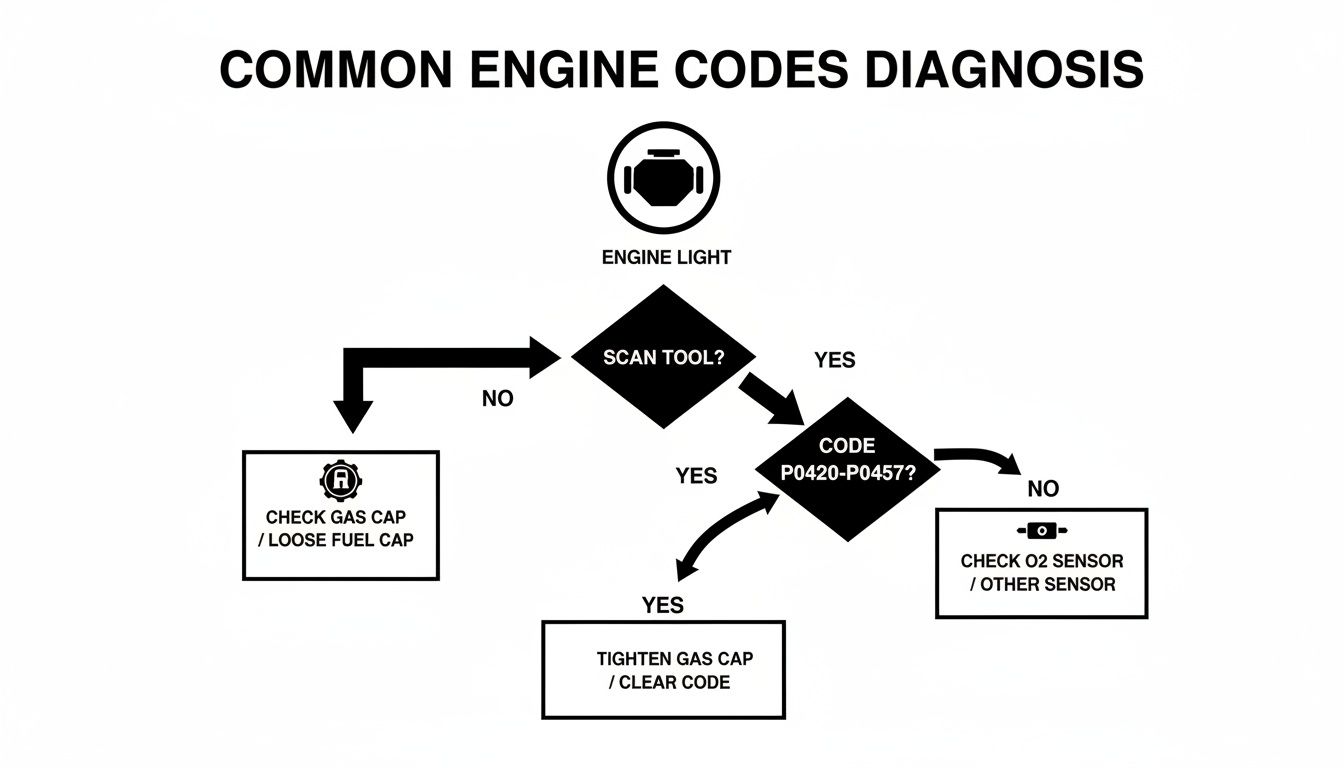
For example, an oxygen-sensor-related code may be influenced by:
- A failed sensor
- Damaged wiring or connectors
- An exhaust leak
- A vacuum leak
- A fuel-delivery problem
- An engine misfire
- Another condition affecting the sensor’s reading
Replacing the component named in a code without testing the system can lead to unnecessary repairs.
Example: What Does P0420 Tell You?
One common example is P0420 — Catalyst System Efficiency Below Threshold (Bank 1).
P0420 indicates that the vehicle’s computer has determined that catalyst efficiency is below its expected threshold. It does not automatically mean the catalytic converter must be replaced.
Possible contributing conditions can include oxygen-sensor problems, exhaust leaks, engine misfires, fuel-control problems, contamination, or deterioration of the catalytic converter itself.
We’ve created a separate technical guide covering this code in detail. See P0420 Code: Meaning, Causes, Symptoms & How to Fix It for the complete diagnostic explanation.
Should You Search a Trouble Code Online?
Looking up a diagnostic trouble code can help you understand the system involved, but use vehicle-specific and reliable information whenever possible.
A useful search includes the:
- Exact trouble code
- Vehicle year
- Make
- Model
- Engine
Technical service bulletins and manufacturer service information can also be valuable because some diagnostic procedures, known issues, and software updates are specific to particular vehicles.
A forum post or video showing that one vehicle was repaired by replacing a particular part does not establish that the same part has failed on your vehicle.
Why You Should Read Codes Before Clearing Them
It can be tempting to press “Clear Codes” as soon as you connect a scanner, but doing so can erase useful diagnostic information.
Clearing codes may remove stored trouble codes and freeze-frame information and reset emissions readiness monitors. That can make an intermittent problem more difficult to diagnose.
Before clearing anything:
- Record every code.
- Save available freeze-frame information.
- Note whether codes are stored, pending, or permanent.
- Document any symptoms you have noticed.
Clearing a code does not repair the condition that caused it.
When Should DIY Diagnosis Stop?
A basic scanner is excellent for identifying where an investigation should begin, but some problems require additional equipment, vehicle-specific information, or advanced testing.
Consider professional diagnosis if:
- The check engine light is flashing.
- The vehicle is shaking, stalling, overheating, or losing significant power.
- Multiple warning lights appear.
- The same code repeatedly returns after previous repairs.
- You have multiple related trouble codes.
- The problem is intermittent and difficult to reproduce.
- The diagnostic procedure requires electrical circuit testing.
- The diagnosis requires smoke testing, pressure testing, waveform analysis, or other specialized procedures.
- The scanner identifies manufacturer-specific faults you cannot properly interpret.
What Does Professional Check Engine Diagnosis Add?
Professional diagnosis goes beyond retrieving a trouble code.
Depending on the fault, a technician may use:
- Professional diagnostic scan tools
- Vehicle-specific service information
- Live-data analysis
- Freeze-frame information
- Electrical testing equipment
- Smoke testing for vacuum or evaporative-system leaks
- Fuel-pressure or other mechanical testing
- Oscilloscopes for analyzing electrical signals
- Bidirectional controls to command components during testing
The objective is to identify the root cause of the diagnostic trouble code rather than replacing parts based on the code description alone.
If your initial scan identifies a problem that requires additional testing, learn more about our Check Engine Light & Diagnostics service in Richland Hills.
Frequently Asked Questions About Diagnosing a Check Engine Light
Can I diagnose a check engine light myself?
You can perform the first stage of diagnosis yourself with an OBD-II scanner by retrieving trouble codes and reviewing available diagnostic information. Determining the actual cause may require additional testing, especially when several components can produce the same code.
What scanner do I need for a check engine light?
A basic OBD-II code reader can retrieve many standard powertrain trouble codes. More advanced scanners can provide additional functions such as enhanced live data, manufacturer-specific module access, bidirectional testing, and other diagnostic capabilities.
Where do I plug in an OBD-II scanner?
The OBD-II diagnostic connector is generally located under the driver’s side of the dashboard. It is usually a 16-pin, trapezoid-shaped connector. Consult the vehicle owner’s manual if you cannot locate it.
Should the engine be running when I scan for codes?
Follow the instructions for your specific scanner and vehicle. Many basic code-reading procedures require the ignition to be switched ON with the engine not running. Live-data diagnosis may require the engine to operate.
Should I clear a check engine code after reading it?
Not immediately. Record the trouble codes and available freeze-frame information first. Clearing codes can erase useful diagnostic information and reset emissions readiness monitors.
Does an OBD-II code tell me what part to replace?
No. A diagnostic trouble code identifies a detected condition or system that requires investigation. Testing is often necessary to determine whether the cause is a component, wiring problem, leak, mechanical issue, or another fault.
Are inexpensive OBD-II scanners accurate?
Basic scanners can accurately retrieve many standardized OBD-II trouble codes when used correctly. However, their capabilities vary. Some inexpensive scanners provide little more than code retrieval and clearing, while more advanced tools can display freeze-frame information and live data.
Consumer scanners may also have limited access to manufacturer-specific modules, body systems, chassis systems, network faults, and advanced diagnostic functions. For complex or recurring problems, professional diagnostic equipment may be necessary.
What is freeze-frame data?
Freeze-frame data is a snapshot of certain vehicle operating conditions recorded when a diagnostic fault was detected. Depending on the vehicle, it may include engine RPM, vehicle speed, engine load, coolant temperature, fuel trims, throttle position, and other information.
What is the difference between reading a code and diagnosing a problem?
Reading a code tells you what condition the vehicle’s computer detected. Diagnosis determines why that condition occurred. Diagnosis may require reviewing live data, inspecting components and wiring, performing electrical or mechanical tests, and comparing the results with vehicle-specific service information.
Can I drive with the check engine light on?
If the check engine light is solid and the vehicle is operating normally, you can generally drive cautiously while arranging diagnosis. If the light is flashing or the vehicle is shaking, overheating, losing significant power, or showing other serious symptoms, stop driving when it is safe to do so and have the vehicle inspected.
Why did my check engine light turn off by itself?
If the condition that triggered the warning is no longer detected, the vehicle’s computer may turn the light off after completing enough successful self-tests. A stored or historical trouble code may still be available and can provide useful information about what happened.
Have a check engine light you can’t diagnose? Express Lube & Car Care provides professional check engine light diagnostics in Richland Hills using diagnostic testing to identify the underlying cause before recommending repairs.